Outpaced vs
Canva

Canva is a design suite for making your own posts from templates, with a planner to schedule some of them. Outpaced writes, makes and posts the carousels for you. Here's how they compare, from each company's own website.

Last checked Facts from each company's own website, with a source on every cell.

Strengths

Who each one is for

Canva and Outpaced overlap, but they're built around different jobs. Here's what each one is good at.

Canva

Canva is a good fit if you want to design every post yourself.

Canva gives you millions of templates, brand kits and AI design tools to make social posts yourself, with a Content Planner to schedule them.

  • Instagram carousels
  • TikTok videos
  • Reels
  • Stories
  • Posts
Source: canva.com/pricing, checked 30 Oct 2026

Outpaced

Outpaced is a good fit if you want the whole loop run for you.

You're building an app and want its marketing to keep running while you ship: audience research, carousels in proven formats, posting to TikTok and Instagram, and more of whatever works, with you approving every post.

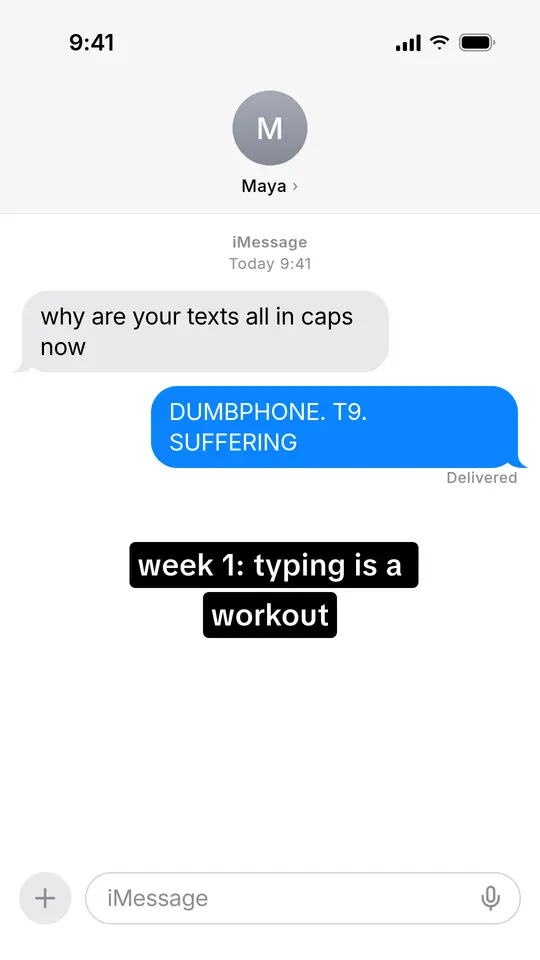
  • iMessage chat
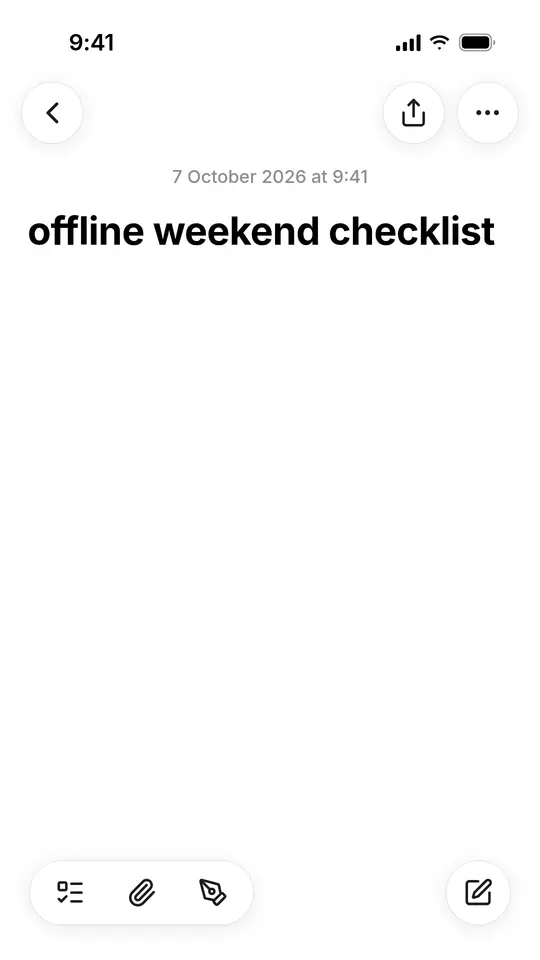
  • Apple Notes list
  • Paper notes
  • Reasons why
  • Tweet
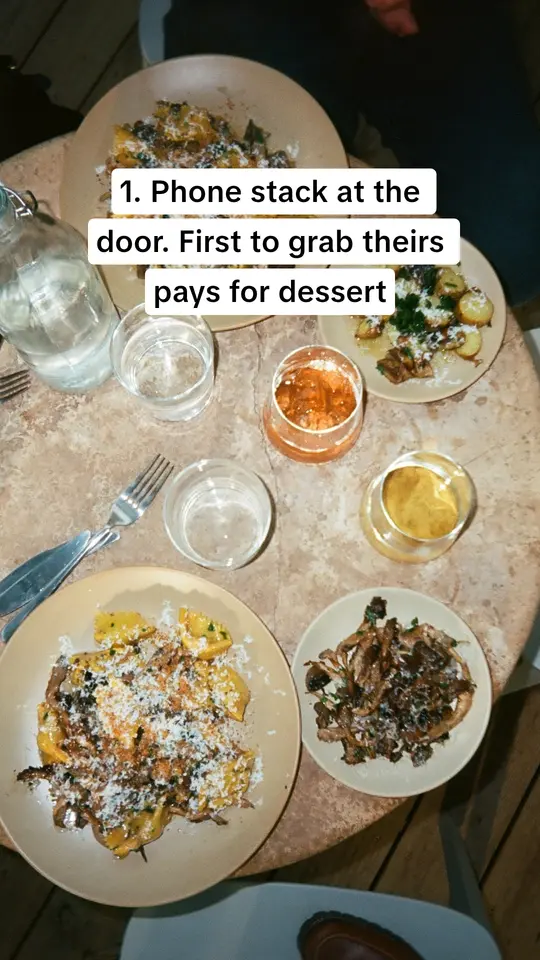
  • POV storytime

From Outpaced's product documentation.

Sourced and dated

Job by job

From Canva's own website and Outpaced's product docs. Every Canva cell links to the page it came from.

Outpaced compared with Canva and the old way, job by job. Competitor facts from their own websites, last checked 30 Oct 2026.
The jobOutpacedOne loop, for app foundersCanvaDesign suiteThe old wayDoing it yourself
Audience researchWho your app is for, in their own wordsIncludedPersonas from Reddit threads, reviews and competitor pages, each finding linked to its source.Not statedCanva AI can run web research for a design; audience research isn't described.[1]canva.comBy handYou read threads and reviews yourself, when there's time.
Hooks from what performsOpeners drawn from posts that already went viralIncludedAround 545 viral TikTok and Instagram posts, tagged by format and hook, rewritten for your audience.Not statedHas video hook templates and AI writing; hooks from performance data aren't described.[2]canva.comBy handYou scroll for viral posts and guess which openers fit.
Carousels in proven formatsPhoto carousels and slideshowsIncluded23 formats, from iMessage chats and Apple Notes lists to reasons-why photo slides.PartlyYou can design carousels, but its Help Center says carousels (Galleries) can't be scheduled to Instagram.[3]canva.comBy handYou design every slide by hand.
Posts to TikTok and InstagramScheduled and published for youIncludedPublishes to your TikTok and Instagram accounts at the times you set, with no post cap. Nothing goes out until you approve it.PartlySchedules single images and videos to Instagram Business accounts; its scheduling list doesn't include TikTok.[3]canva.comBy handYou post to each account by hand, at the right time.
Warmed accountsAccounts with weeks of activity in your nicheIncludedOptional accounts with weeks of activity in your niche; or connect your own.Not statedYou connect your own accounts.[4]canva.comBy handYou warm new accounts yourself: weeks of scrolling in the niche.
Doubles down on what worksReads results, makes more of the winnersIncludedRanks formats, hooks and personas against your own median, then builds the next batch from the winners.PartlyInsights show what's working; making more of it is up to you.[2]canva.comBy handYou read the numbers and decide what to make next.
Runs on its ownRecurring jobs on a schedule you setIncludedRoutines research, write and queue carousels on a schedule you set; you swipe to approve.PartlyCanva AI tasks can run on a recurring schedule, for design work.[1]canva.comBy handYou remember to do it all again next week.
PricePer month, as listedFrom $49 a monthStarter $49 · Pro $89 · Max $199. 15% off annual plans.Free, or from $18 a monthPro $18 a month or $144 a year for one person; Business $25 a month or $250 a year per person. US prices.[5]canva.comYour timePlus any tools you pay for.
Trial or free plan3-day trialA payment card is needed. No free plan.30-day Pro trialCanva also has a free plan.[6]canva.comNot applicable
  • Included The company's own site says it does this (for Outpaced, its product docs).
  • Partly It covers part of the job; the note says which part.
  • Not offered The company's own site says it doesn't.
  • Not stated We couldn't find it on their site. It may still exist.
  • By hand You do it yourself.

Sources Last checked 30 Oct 2026. Facts about each tool come from its own website on that date; prices are as listed there, in US dollars. Outpaced's come from its product docs.

  1. [1] Canva: canva.com/canva-ai checked 30 Oct 2026
  2. [2] Canva: canva.com/social-media checked 30 Oct 2026
  3. [3] Canva: canva.com/help/content-planner checked 30 Oct 2026
  4. [4] Canva: canva.com/help/share-on-socials-and-messaging checked 30 Oct 2026
  5. [5] Canva: canva.com/pricing checked 30 Oct 2026
  6. [6] Canva: canva.com/learn/canva-pro-vs-canva-enterprise checked 30 Oct 2026

The difference

And the old way

Most founders market their app in the gaps: research in one tab, design in another, posting by hand, then guessing what worked.

The old way

Read threads for ideas, guess at a hook, design every slide, post account by account, then check the numbers and start again. A scatter of tools, and most of a week.

Hours are an illustration of one founder's week, not a measurement.

With Outpaced

One loop instead of a week of chores. Outpaced finds who your app is for, writes carousels in formats that already get saved, posts them to TikTok and Instagram once you approve, then makes more of what works.

FAQ

They do different jobs and work well together. Canva is where you design anything yourself. Outpaced researches your audience, writes and designs carousels in formats that already get saved, posts them to TikTok and Instagram after you approve, and makes more of what works. You can still tweak any slide by hand in Outpaced's studio.

From each company's own website, on the date at the top of this page. Every cell about Canva links to the page it came from. Where we couldn't find something, the table says “Not stated” rather than guessing. Outpaced's cells come from its own product documentation.

Yes, once you approve. Outpaced publishes approved carousels to your TikTok and Instagram accounts at the times you set, with no post-count cap. Nothing it drafts goes out until a person approves it.

TikTok or Instagram accounts that have had weeks of normal activity in your niche before their first post, so the platform already knows who to show them to. They're optional: you can connect your own accounts on any plan.

Every plan starts with a 3-day trial with a payment card, and there's no permanent free plan. The plans and prices are on the Pricing page.

Can’t find an answer to your question? Get in touch

3-day trial on any plan. A card is required; you’re not charged today. Cancel before it ends to avoid the plan charge.