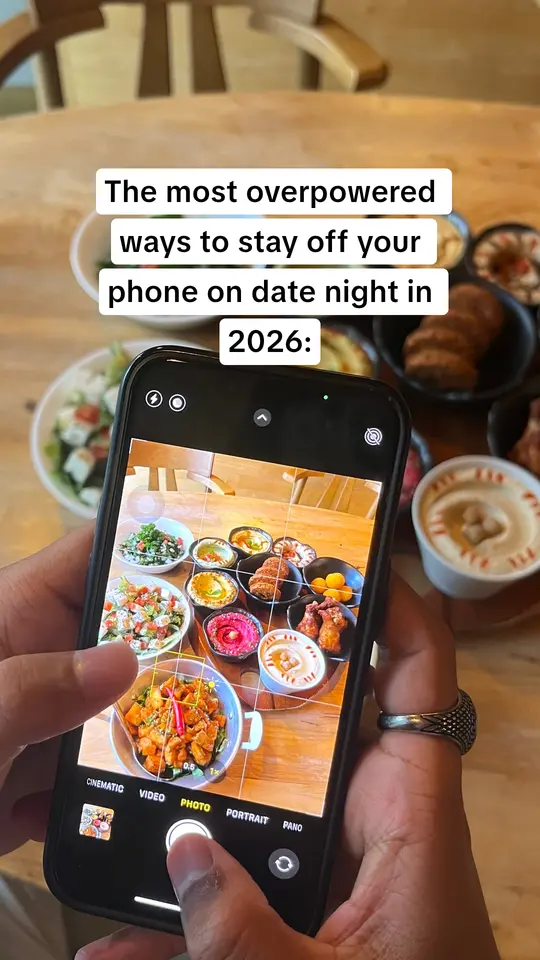
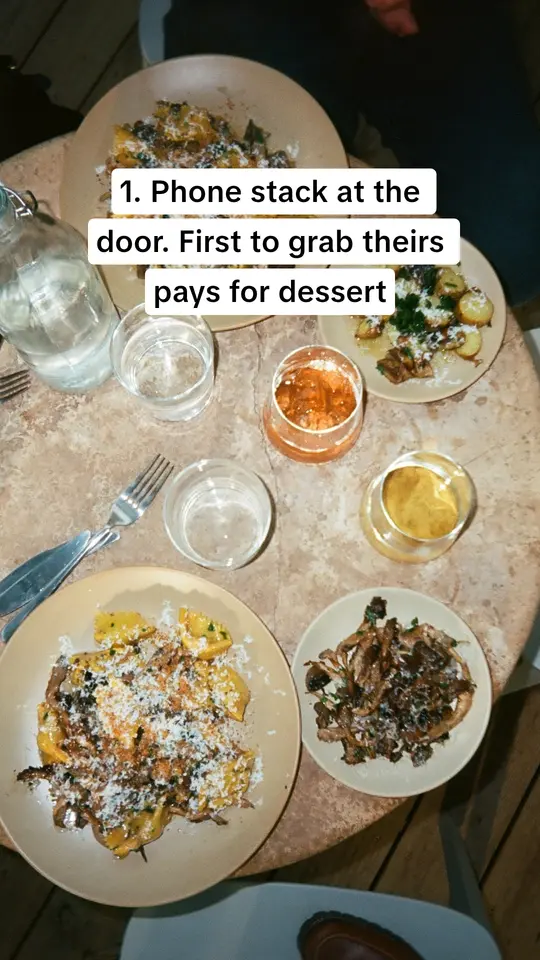
 New parents, 3am feeds
 Students before finals
 First 10K runners


The old way
Read threads for ideas, guess at a hook, design every slide, post account by account, then check the numbers and start again. A scatter of tools, and most of a week.
Hours are an illustration of one founder's week, not a measurement.

Product
StrategyFind the people your app is for, and what they'll stop scrolling for.ContentCarousels written for them, in the formats that get saved.DistributionPosted on TikTok and Instagram every day, and doubled down on what works.RoutinesResearch, writing and posting that run on a schedule, or right now.3-day trial on any plan
How Outpaced compares with doing it yourself, and with the tools founders use for the same job. Every fact about another tool comes from its own website, with a source and the date we checked.
The difference
Most founders market their app in the gaps: research in one tab, design in another, posting by hand, then guessing what worked.
Read threads for ideas, guess at a hook, design every slide, post account by account, then check the numbers and start again. A scatter of tools, and most of a week.
Hours are an illustration of one founder's week, not a measurement.
One loop instead of a week of chores. Outpaced finds who your app is for, writes carousels in formats that already get saved, posts them to TikTok and Instagram once you approve, then makes more of what works.
7 jobs, 6 tools
Seven jobs that grow an app on TikTok and Instagram, and who does each one. Every cell carries a note and its source.
| The job |  OutpacedOne loop, for app founders OutpacedOne loop, for app founders | FastlaneAI ads and organic content | ReelFarmTikTok slideshow automation | GenviralAI scheduler and studio | BlotatoPublishing API and AI content | CanvaDesign suite | BufferSocial scheduler | The old wayDoing it yourself |
|---|---|---|---|---|---|---|---|---|
| Audience researchWho your app is for, in their own words | IncludedOutpaced Personas from Reddit threads, reviews and competitor pages, each finding linked to its source. | IncludedFastlane Reads competitors' ads and posts, and reviews on Reddit and Amazon, to find audience segments. Source usefastlane.ai, checked 30 Oct 2026.[1]usefastlane.ai | Not statedReelFarm Source reel.farm, checked 30 Oct 2026.[2]reel.farm | PartlyGenviral Studies your niche, with tools to research social trends and Reddit; no dedicated audience research is described. Source genviral.io, checked 30 Oct 2026.[3]genviral.io | Not statedBlotato Source blotato.com, checked 30 Oct 2026.[4]blotato.com | Not statedCanva Canva AI can run web research for a design; audience research isn't described. Source canva.com/canva-ai, checked 30 Oct 2026.[5]canva.com | PartlyBuffer Comment insights find themes in replies to your own posts; market or audience research isn't described. Source buffer.com/pricing, checked 30 Oct 2026.[6]buffer.com | By handThe old way You read threads and reviews yourself, when there's time. |
| Hooks from what performsOpeners drawn from posts that already went viral | IncludedOutpaced Around 545 viral TikTok and Instagram posts, tagged by format and hook, rewritten for your audience. | IncludedFastlane A library of brands' organic and paid content, and remixes of formats trending in your niche. Source usefastlane.ai, checked 30 Oct 2026.[1]usefastlane.ai | PartlyReelFarm A library of real TikTok slideshow profiles with view counts, for inspiration; automations rotate hooks you write. Source reel.farm/api-docs, checked 30 Oct 2026.[7]reel.farm | IncludedGenviral A viral content library ranked by engagement, and analytics that suggest which hook to copy next. Source genviral.io, checked 30 Oct 2026.[3]genviral.io | IncludedBlotato Writes from templates and a model it says is fine-tuned on viral posts. Source blotato.com, checked 30 Oct 2026.[4]blotato.com | Not statedCanva Has video hook templates and AI writing; hooks from performance data aren't described. Source canva.com/social-media, checked 30 Oct 2026.[8]canva.com | PartlyBuffer Its AI Assistant suggests ideas and writes post text; hooks from top-performing posts aren't described. Source buffer.com/ai-assistant, checked 30 Oct 2026.[9]buffer.com | By handThe old way You scroll for viral posts and guess which openers fit. |
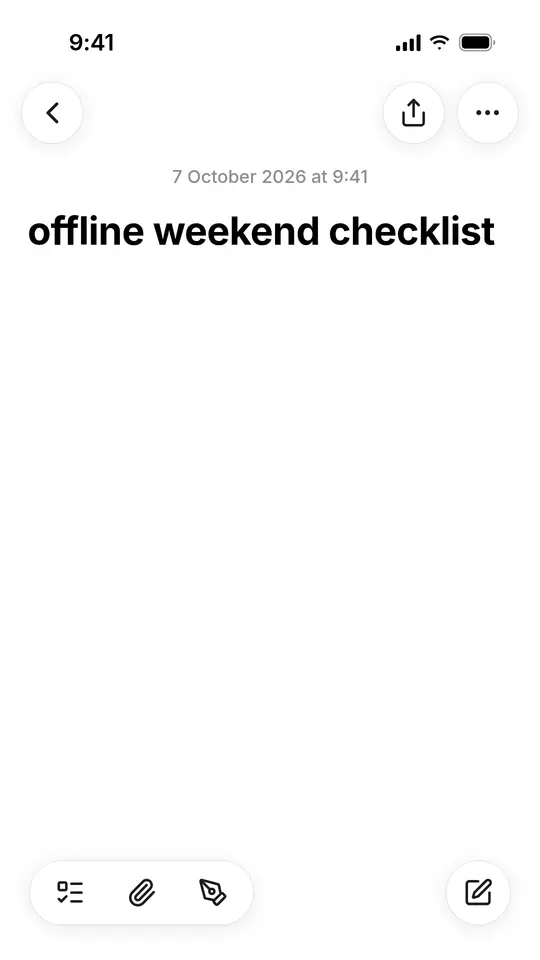
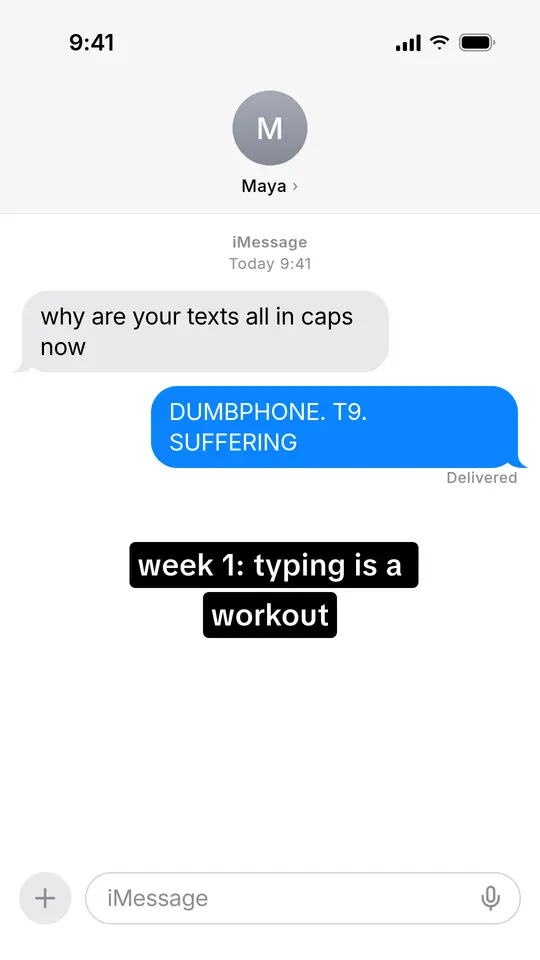
| Carousels in proven formatsPhoto carousels and slideshows | IncludedOutpaced 23 formats, from iMessage chats and Apple Notes lists to reasons-why photo slides. | IncludedFastlane Slideshows are one of its four organic formats, posted as TikTok photo mode and Instagram carousels. Source usefastlane.ai/tools/tiktok-slideshow-maker, checked 30 Oct 2026.[10]usefastlane.ai | IncludedReelFarm Slideshows are the core product, with 10 to 200 TikTok formats depending on the plan. Source reel.farm, checked 30 Oct 2026.[2]reel.farm | IncludedGenviral A slideshow and carousel generator that starts from formats that already went viral. Source genviral.io, checked 30 Oct 2026.[3]genviral.io | IncludedBlotato Carousels and image slideshows from templates; its pricing lists proven viral templates. Source blotato.com, checked 30 Oct 2026.[4]blotato.com | PartlyCanva You can design carousels, but its Help Center says carousels (Galleries) can't be scheduled to Instagram. Source canva.com/help/content-planner, checked 30 Oct 2026.[11]canva.com | PartlyBuffer Publishes carousels you make, up to 10 images; designing them isn't described. Source buffer.com/instagram, checked 30 Oct 2026.[12]buffer.com | By handThe old way You design every slide by hand. |
| Posts to TikTok and InstagramScheduled and published for you | IncludedOutpaced Publishes to your TikTok and Instagram accounts at the times you set, with no post cap. Nothing goes out until you approve it. | IncludedFastlane Publishes organic posts to Instagram, TikTok, YouTube Shorts and LinkedIn from one calendar. Source usefastlane.ai, checked 30 Oct 2026.[1]usefastlane.ai | PartlyReelFarm Publishes and schedules to TikTok. Its site suggests reposting slideshows to Instagram yourself. Source reel.farm, checked 30 Oct 2026.[2]reel.farm | IncludedGenviral Posts and schedules to TikTok and Instagram, among ten platforms. Source genviral.io, checked 30 Oct 2026.[3]genviral.io | IncludedBlotato Publishes and schedules to TikTok and Instagram, among nine platforms. Source blotato.com, checked 30 Oct 2026.[4]blotato.com | PartlyCanva Schedules single images and videos to Instagram Business accounts; its scheduling list doesn't include TikTok. Source canva.com/help/content-planner, checked 30 Oct 2026.[11]canva.com | IncludedBuffer Auto-publishes to Instagram and TikTok, with notification publishing as a fallback. Source buffer.com, checked 30 Oct 2026.[13]buffer.com | By handThe old way You post to each account by hand, at the right time. |
| Warmed accountsAccounts with weeks of activity in your niche | IncludedOutpaced Optional accounts with weeks of activity in your niche; or connect your own. | IncludedFastlane A paid add-on: $100 a month per account, plus $1.50 per post. Source usefastlane.ai, checked 30 Oct 2026.[1]usefastlane.ai | Not statedReelFarm Its FAQ explains how to warm a new account yourself. Source reel.farm, checked 30 Oct 2026.[2]reel.farm | IncludedGenviral Hosted, warmed accounts as a paid add-on: $90 a month per account on Android. Source genviral.io/pricing, checked 30 Oct 2026.[14]genviral.io | Not statedBlotato You connect your own accounts. Source blotato.com/social-media-api, checked 30 Oct 2026.[15]blotato.com | Not statedCanva You connect your own accounts. Source canva.com/help/share-on-socials-and-messaging, checked 30 Oct 2026.[16]canva.com | Not statedBuffer You connect your own accounts. Source buffer.com/tiktok, checked 30 Oct 2026.[17]buffer.com | By handThe old way You warm new accounts yourself: weeks of scrolling in the niche. |
| Doubles down on what worksReads results, makes more of the winners | IncludedOutpaced Ranks formats, hooks and personas against your own median, then builds the next batch from the winners. | IncludedFastlane Tracks results per creative; winners feed the next round and losers are cut. Source usefastlane.ai, checked 30 Oct 2026.[1]usefastlane.ai | PartlyReelFarm Analytics show which posts perform best, and its FAQ suggests doubling down on winning hooks. Source reel.farm, checked 30 Oct 2026.[2]reel.farm | IncludedGenviral Its agent reads analytics on the next run and adjusts what it makes. Source genviral.io/agents, checked 30 Oct 2026.[18]genviral.io | PartlyBlotato Hands post analytics to your own AI agent so it can learn from them. Source blotato.com, checked 30 Oct 2026.[4]blotato.com | PartlyCanva Insights show what's working; making more of it is up to you. Source canva.com/social-media, checked 30 Oct 2026.[8]canva.com | PartlyBuffer Insights suggest next steps, like reposting an engaging post; you act on them. Source buffer.com/analyze, checked 30 Oct 2026.[19]buffer.com | By handThe old way You read the numbers and decide what to make next. |
| Runs on its ownRecurring jobs on a schedule you set | IncludedOutpaced Routines research, write and queue carousels on a schedule you set; you swipe to approve. | IncludedFastlane Set the agent's autonomy level and let it run, or approve every piece. Source usefastlane.ai, checked 30 Oct 2026.[1]usefastlane.ai | IncludedReelFarm Automations make and post slideshows on a schedule: set up once, and it runs. Source reel.farm, checked 30 Oct 2026.[2]reel.farm | IncludedGenviral Scheduled, recurring runs (autopilot), from the Professional plan up. Source genviral.io, checked 30 Oct 2026.[3]genviral.io | PartlyBlotato Recurring weekly posting slots; recurring content runs are built with your own agent or automations. Source blotato.com, checked 30 Oct 2026.[4]blotato.com | PartlyCanva Canva AI tasks can run on a recurring schedule, for design work. Source canva.com/canva-ai, checked 30 Oct 2026.[5]canva.com | PartlyBuffer Recurring posting slots publish your queue automatically; making the posts isn't automated. Source buffer.com/publish, checked 30 Oct 2026.[20]buffer.com | By handThe old way You remember to do it all again next week. |
| PricePer month, as listed | From $49 a monthOutpaced Starter $49 · Pro $89 · Max $199. 15% off annual plans. | From $29 a monthFastlane Starter $29 · Growth $79 · Pro $199 · Enterprise $999. Less when paid yearly. Source usefastlane.ai, checked 30 Oct 2026.[1]usefastlane.ai | From $49 a monthReelFarm Growth $49 · Scale $95 · Enterprise $195, monthly. Source reel.farm, checked 30 Oct 2026.[2]reel.farm | From $29 a monthGenviral Creator $29 · Professional $49 · Business $99 · Scale $199. Less when paid yearly. Source genviral.io/pricing, checked 30 Oct 2026.[14]genviral.io | From $29 a monthBlotato Starter $29 · Creator $97 · Agency $499. Yearly saves about 17%. Source blotato.com/pricing, checked 30 Oct 2026.[21]blotato.com | Free, or from $18 a monthCanva Pro $18 a month or $144 a year for one person; Business $25 a month or $250 a year per person. US prices. Source canva.com/pricing, checked 30 Oct 2026.[22]canva.com | Free, or from $6 a monthBuffer Per channel: Essentials $6, Team $12 a month; less when paid yearly. Source buffer.com/pricing, checked 30 Oct 2026.[6]buffer.com | Your timeThe old way Plus any tools you pay for. |
| Trial or free plan | 3-day trialOutpaced A payment card is needed. No free plan. | 7-day free trialFastlane With 50 credits, per its pricing section. Source usefastlane.ai, checked 30 Oct 2026.[1]usefastlane.ai | 3 free TikToksReelFarm Make 3 TikToks free; no time-limited trial is stated. Source reel.farm, checked 30 Oct 2026.[2]reel.farm | No free trialGenviral Its FAQ says there's no free trial right now; signing up is free. Source genviral.io, checked 30 Oct 2026.[3]genviral.io | 7-day free trialBlotato A card is required; there's no free plan. Source blotato.com/pricing, checked 30 Oct 2026.[21]blotato.com | 30-day Pro trialCanva Canva also has a free plan. Source canva.com/learn/canva-pro-vs-canva-enterprise, checked 30 Oct 2026.[23]canva.com | Free planBuffer Up to 3 channels free, plus a 14-day trial of paid plans. Source buffer.com/pricing, checked 30 Oct 2026.[6]buffer.com | Not applicableThe old way |
Sources Last checked 30 Oct 2026. Facts about each tool come from its own website on that date; prices are as listed there, in US dollars. Outpaced's come from its product docs.
Comparisons use each company's public website on the date shown, and Outpaced's own product documentation. Product names belong to their owners; Outpaced isn't affiliated with or endorsed by any company named here.
11 comparisons
A page per tool: who it suits, the full table with notes and sources, and the old way beside both.
It depends on the job. If you want one part done well, like scheduling, design or AI video ads, a specialist tool may suit you best. If you want the whole loop for an app, from research to posting to making more of what works, that's what Outpaced is built for.
From each company's own website, on the date shown beside it. Every cell about another tool links to the page it came from. Where we couldn't find something, the table says “Not stated” rather than guessing. Outpaced's cells come from its own product documentation.
Yes, once you approve. Outpaced publishes approved carousels to your TikTok and Instagram accounts at the times you set, with no post-count cap. Nothing it drafts goes out until a person approves it.
TikTok or Instagram accounts that have had weeks of normal activity in your niche before their first post, so the platform already knows who to show them to. They're optional: you can connect your own accounts on any plan.
Every plan starts with a 3-day trial with a payment card, and there's no permanent free plan. The plans and prices are on the Pricing page.
Can’t find an answer to your question? Get in touch
3-day trial on any plan. A card is required; you’re not charged today. Cancel before it ends to avoid the plan charge.